


Dropshipping automation makes starting an online store easy to navigate.
While running a dropshipping business can be difficult, these automation tools cut down the stress. From managing order fulfillment to inventory, it helps free up time for your business growth.
In this guide, we’ll discuss various dropshipping automation strategies and tools to boost your business. We’ll also share proven tips to help you outrank your competition.
Top Website Builders for Your Dropshipping Store
| Provider | User Rating | Recommended For | |
|---|---|---|---|
 | 4.6/5.0 | Beginners | Visit Hostinger |
 | 4.4/5.0 | Pricing | Visit IONOS |
 | 4.2/5.0 | Design | Visit Squarespace |
What Is Dropshipping Automation

Automated dropshipping uses software to handle tasks in the dropshipping process. These tasks include:
- Order fulfillment: Sending customer orders to your supplier automatically.
- Inventory management: Tracking inventory levels to avoid running out of stock.
- Product research: Finding profitable products with high demand.
- Marketing: Running ads and promoting items to attract more buyers.
Are you new to dropshipping, or maybe you need a guide to get started? Explore the basic and advanced tips for E-commerce dropshipping.

How Automated Dropshipping Works

Automated dropshipping links your online store to a dropshipping supplier. When a customer makes an order, the system automatically sends the order to the supplier. The supplier then ships the product to the customer’s address. You don’t have to handle shipping or store products.
This setup makes running your dropshipping business much easier. Here are the main benefits:
- Reduced overhead costs: No need to pay for storage or hire extra help.
- Elimination of inventory management: The supplier keeps track of stock levels for you.
- Increased fulfillment accuracy: Automated systems are more accurate than manual work.
- More time for growth: Spend less time on everyday tasks and more on marketing.
Using automated dropshipping software helps you save time, avoid errors, and grow your ecommerce business faster. It also makes it easier to keep your customers happy.

Advantages of Automated Dropshipping
Automated dropshipping has many benefits that can help your dropshipping business succeed.

It removes the need for manual intervention in everyday tasks, making your operations smoother. Automation works faster and with fewer mistakes compared to doing things by hand.
With automation, you save both time and effort. This lets you focus your energy on growing your business.
Automation also helps you scale. It handles more orders and tracks a larger inventory source without needing extra work.
By automating routine tasks, you free up time for marketing, building customer relationships, and planning strategies. It’s a smart way to boost your ecommerce store while avoiding costly mistakes.

How to Automate Your Dropshipping Business
Automating your dropshipping business involves several key steps:
1. Linking your dropshipping store to an automation tool
Start by connecting your dropshipping store to a reliable tool that automates tasks. Pick one that works easily with your platform, like a Shopify store or other online store platforms. This helps your business run smoothly.
2. Finding winning products through automated product research
Use dropshipping tools to spot profitable products. Look for items with high demand and low competition. Automated product research makes it easy to track trends, saving you time and helping your e-commerce business stay ahead.
3. Automatically importing products to your store
Use automation tools to add product details to your online store. Import images and descriptions directly from your dropshipping suppliers. This saves time. It reduces errors. It also eliminates routine tasks.
4. Optimizing product listings with an automated dropshipping tool
Use dropshipping tools to improve product listings. Add relevant keywords, clear descriptions, and high-quality images. These updates make your products easier to find and more appealing.
5. Monitoring stock and price from dropshipping suppliers
Use automation tools to track stock levels. Monitor price changes from your suppliers. Keep your store updated with accurate stock and pricing. This ensures customers see available products at the right price.

6. Setting up automatic price optimization for your store
Use automation to set rules that automatically change prices. These rules can follow market trends, match competitor prices, and keep your profits steady. This saves time and helps your store stay competitive.
7. Automating order fulfillment and tracking number updates
Set up your automation tool to send orders straight to your supplier. It will also update tracking numbers for your customers. This makes the process easier, reduces mistakes, and keeps your customers informed and happy.
8. Tracking sales with one-screen inventory management
Use one dashboard to track sales. Check your stock levels in seconds. Manage your business from a single screen. This dropshipping solution makes inventory management simple. It saves time and helps your business grow.
9. Automating marketing for your dropshipping store
Use automation to simplify digital marketing for your dropshipping business. Automate email campaigns, promote on social media and run ads. These tools help you reach more customers, boost sales, and grow your online store with less effort.

Top 15 Dropshipping Automation Tools
Product Management
| Tools | Best For: |
| DSers | Enabling bulk order processing, automated inventory updates, and seamless integration with AliExpress. |
| WooDropship | Automating dropshipping for WooCommerce |
| Spark Shipping | Automating products between eCommerce stores and suppliers. |
Good product management is key to a successful dropshipping business. These tools make it easier to handle product listing, updates, and overall management:
1. DSers

DSers is an official tool for AliExpress dropshipping suppliers. It helps you manage your store by automating tasks like bulk importing products, placing orders, and optimizing suppliers.
- Pros: Easy to use with AliExpress, great for managing orders, affordable.
- Cons: Limited to AliExpress suppliers, heavy reliance on one platform.
 Visit Dsers
 2. Easync

Easync.io is an all-in-one dropshipping automation platform designed to streamline and scale eCommerce operations across major marketplaces like eBay, Amazon, Shopify, and Walmart. It combines product research, listing creation, automated order fulfillment, inventory monitoring, and real-time repricing into a single dashboard, helping sellers reduce manual work and stay competitive.
With features like automated product importing, dynamic price adjustments, and supplier stock tracking, Easync enables users to manage large catalogs efficiently while minimizing errors and overselling risks. Its data-driven insights and multi-platform integrations make it suitable for both beginners and experienced dropshippers looking to run a more hands-off business.
Pros:
- Powerful automation for listings, pricing, and order fulfillment saves significant time
- Multi-platform integrations (eBay, Amazon, Shopify, Walmart) for centralized management
- Real-time inventory and price syncing helps prevent overselling and stay competitive
- Built-in product research and analytics tools support data-driven decisions
Cons:
- Learning curve and setup complexity for new users
- Customer support response times can be inconsistent
3. WooDropship

WooDropship is a simple yet powerful plugin for WooCommerce dropshipping stores. It helps with automated dropshipping by importing products, syncing inventory levels, and adjusting prices. This makes managing your store much easier.
- Pros: Works seamlessly with WooCommerce, has easy-to-use tools, great for managing products.
- Cons: Only for WooCommerce users; cost may be high for some.
4. Spark Shipping
Spark Shipping is a powerful tool for managing orders in high-volume dropshipping businesses. It handles real-time inventory syncing, automatic order routing, and custom integrations.
- Pros: Great for growing businesses, advanced features, and helpful support.
- Cons: Costs more than other tools and works best for larger, established businesses.
Email Marketing
| Tools | Best For: |
| Kit | Creators and Small Business owners |
| Recapture | Abandoned cart campaigns and other post-follow-up emails. |
| Automizely | Popups, email marketing, automated flows, and more. |
| SendinBlue | All-in-one platforms for marketing automation, SMS marketing, and CRM. |
| IFTTT (If This Then That) | Automated personalised workflows |
| Zapier | Automation capabilities and App integration |
| Shopify Flow | Automation workflow within a Shopify store |
Email marketing helps you connect with customers and promote your products. Here are the top options for automating email marketing:
5. Kit

Kit (formerly ConvertKit) is a powerful email marketing tool designed with creators and small business owners in mind. It offers automation, visual workflows, and tagging to help you deliver targeted messages that grow your audience and boost sales.
- Pros: Easy to use, great for creators, and offers strong automation and tagging features.
- Cons: Limited design customization and fewer built-in templates compared to some competitors.

6. Recapture
Recapture is an email marketing tool designed to help recover abandoned carts. When customers leave items in their cart, it automatically sends follow-up emails. This can help you win back lost sales with ease.
- Pros: High conversion rates, simple setup, and budget-friendly.
- Cons: Fewer features than other email marketing platforms.
7. Automizely

Automizely is an easy-to-use marketing tool packed with features. It helps your e-commerce store grow with email marketing, pop-ups, and tools for building trust, like social proof.
- Pros: Offers many features, affordable, and perfect for beginners.
- Cons: May feel overwhelming for some users, with fewer options to customize.
8. SendinBlue
SendinBlue (now Brevo) is a powerful all-in-one marketing tool. It offers email marketing, SMS messaging, and live chat. It’s perfect if you want to reach customers through multiple channels.
- Pros: Many features, affordable, and works for businesses of all sizes.
- Cons: Can be tricky to use at first, with limited options for customization.
Task Automation
Task automation simplifies manual tasks like order fulfillment, inventory management, and customer service. They save time and improve your dropshipping process. Here are the best tools for automating tasks:
9. IFTTT (If This Then That)

IFTTT is a free dropshipping software that links apps and devices. It helps you automate tasks like sending emails when a customer places an order. With just a few clicks, you can create “applets” to handle routine tasks.
- Pros: Free, easy to set up, lots of applets.
- Cons: Limited features compared to advanced automation tools.
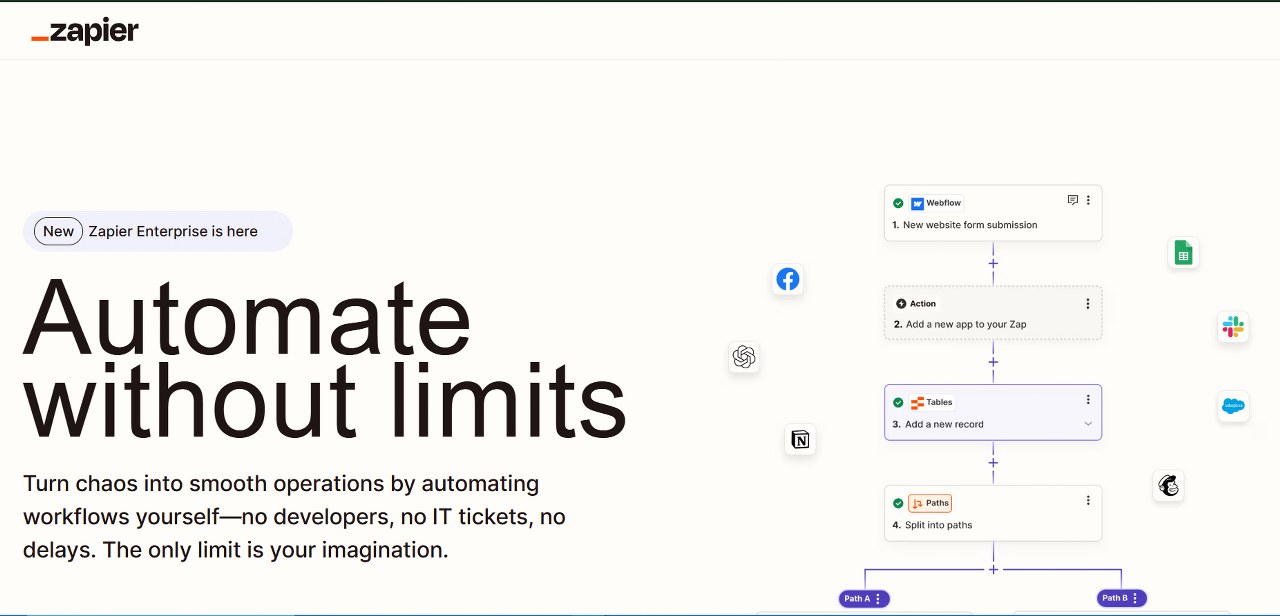
10. Zapier
Zapier is a paid tool for task automation with more features than IFTTT. It lets you connect to thousands of apps and automate tasks. Its flexible features are great for businesses of all sizes.
- Pros: Offers many features, is highly flexible, and works for any e-commerce store.
- Cons: Can be costly, and has a learning curve.

11. Shopify Flow
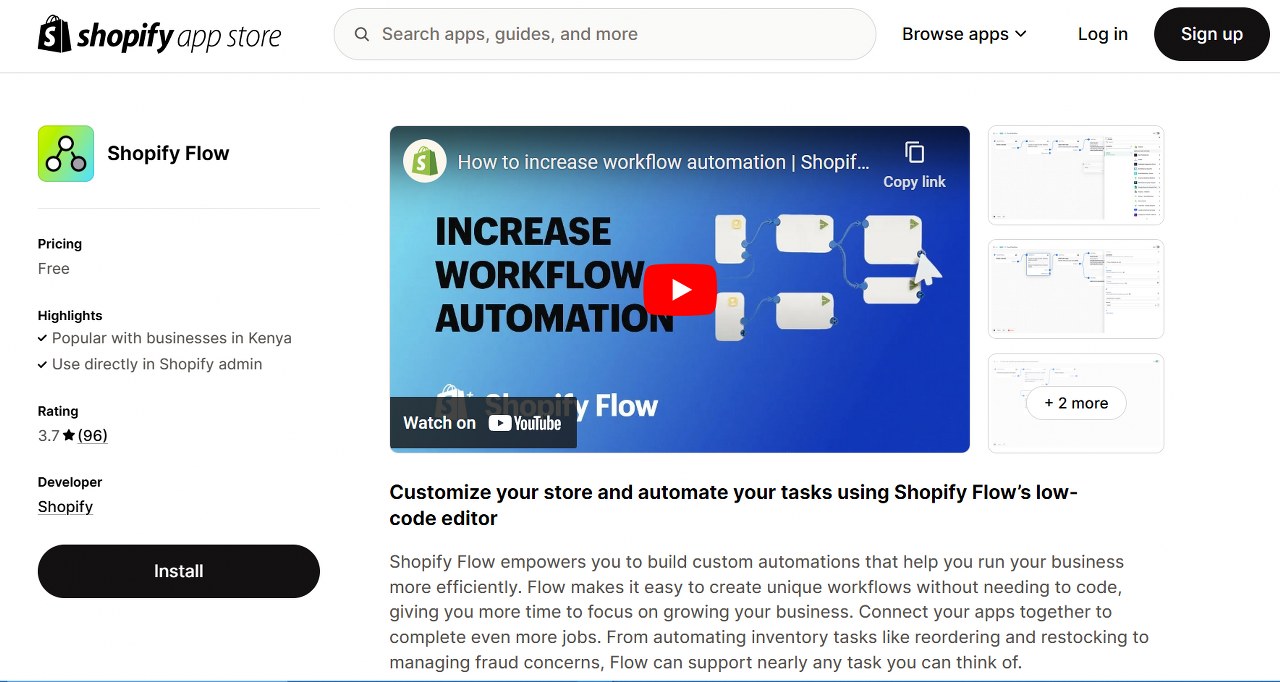
Shopify Flow is a simple tool to automate tasks within your Shopify store. It helps streamline your dropshipping operations by automating repetitive steps like order tracking or inventory updates.
- Pros: Easy to use, works perfectly with Shopify, and is budget-friendly.
- Cons: Only works on Shopify, with fewer features than other tools.

Compare Shopify vs. dropshipping with WordPress.

Sourcing Dropshipping Suppliers
| Tools | Best For: |
| SaleHoo | Automated syncing of price/inventory in its “Dropship” app for Shopify. |
| Spocket | Providing US and EU suppliers, faster shipping times, and high-quality products. |
| AutoDS | Automating tasks such as product research, listing, order fulfillment, and more. |
Finding trustworthy dropshipping suppliers is a critical part of building a successful business. Here are tools that can help you find high-quality suppliers:
12. SaleHoo
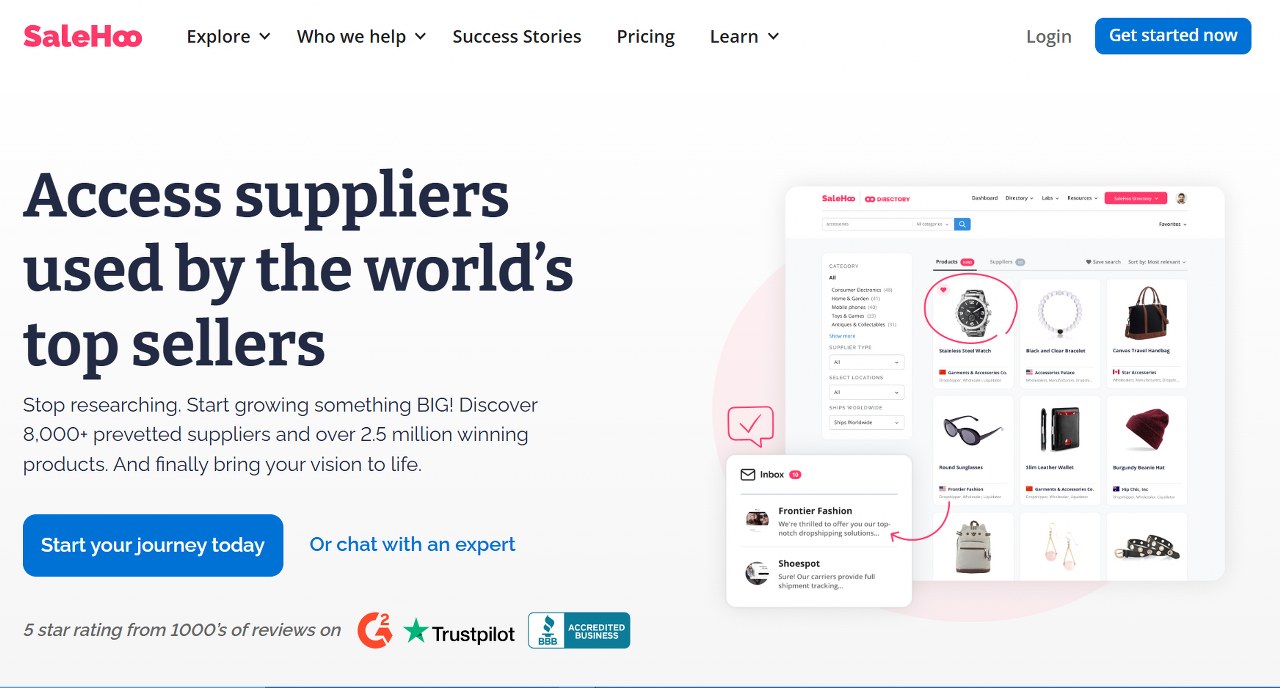
SaleHoo is a well-known directory of dropshipping suppliers. It offers a wide range of products and categories. SaleHoo also includes tools to help you find products and connect with reliable suppliers.
- Pros: Huge supplier directory, great for niche products, and affordable price.
- Cons: Some suppliers may be unreliable, fewer features than in other tools.

13. Spocket
Spocket connects you with dropshipping suppliers in the US and EU. This helps you provide faster shipping and better customer service.
- Pros: Fast shipping, high-quality products, and great for US and EU-based businesses.
- Cons: Smaller selection of dropshipping products and can be pricey.
14. AutoDS
AutoDS is a complete dropshipping automation software. It helps with supplier sourcing, importing products, and order fulfillment.

- Pros: Many features, beginner-friendly, budget-friendly
- Cons: Can feel overwhelming at first, fewer customization options.
Customer Service
| Tools | Best For: |
| LiveChat | Providing real-time customer support and sales chat software. |
| Tidio | Offering live chat, chatbots, and AI-powered automation to help businesses. |
| Zendesk | Automating repetitive sales tasks. |
Great customer service builds trust and keeps customers coming back. These tools help you improve and automate support:
15. LiveChat

LiveChat is a well-known tool that lets you chat with customers. It includes features like automated chat invites, canned replies, and chatbots to handle common questions.
- Pros: Boosts customer engagement, delivers fast help and increases satisfaction.
- Cons: Needs staff or chatbots for full use; costs depend on usage.
16. Tidio
Tidio is a live chat tool that combines chat, chatbots, and email marketing. It’s easy to use and lets you customize chat widgets to fit your brand.
- Pros: Works across channels, includes chatbot features, and helps understand customer behavior.
- Cons: Advanced features need a paid plan, and chatbot success relies on setup.
17. Zendesk

Zendesk is a customer service platform with tools like ticketing, knowledge bases, and live chat. It’s a good choice if you need advanced customer support.
- Pros: Strong features, scalable for growing businesses, and integrates with many platforms.
- Cons: Costly for small businesses and may need dedicated staff for full use.
Power Your Dropshipping Automation with Reliable Hosting

Reliable hosting is the backbone of a successful dropshipping business, especially when leveraging automation tools. A robust hosting solution ensures your website runs smoothly, enabling seamless integration with automation software for tasks like order fulfillment, inventory tracking, and marketing campaigns.
Slow loading times or frequent downtime can disrupt automated processes, leading to missed sales and frustrated customers.
By choosing a dependable hosting provider, you create a stable foundation for your automation tools, allowing your business to operate efficiently, scale effortlessly, and deliver a top-notch customer experience.
Conclusion
Dropshipping automation brings many benefits. It saves you time, reduces errors, and makes running your own ecommerce store easier.
With the right tools, you can boost efficiency, grow faster, and increase profits. Whether you’re new or experienced, automation handles tedious tasks, letting you focus on growth.
Use these tools to scale your business and take your ecommerce venture to the next level. The possibilities are endless.

Next Steps: What Now?
- Master eCommerce: Dive into the ultimate guide to eCommerce to strengthen your foundation.
- Set Up Automation Hosting: Select reliable automation hosting to support your online store.
- Choose a Platform: Compare Shopify and WordPress to pick the best platform for your dropshipping store.
- Learn Marketing Automation: Automate marketing campaigns and customer outreach.
- Use Blog Automation Tools: Automate blog creation to keep content fresh and consistent.
Further Reading & Useful Resources
- What is E-commerce? An Introductory Guide
- Essentials For A Good Dropshipping Website
- Business Models in E-commerce
- Best E-commerce WordPress Themes
- How To Create an E-commerce Website Using WordPress
- E-commerce Website Cost
- Types Of E-commerce
- What is B2B E-commerce?
- E-commerce Payment Methods
- How to Create an Online Store
- What Is WordPress Hosting?
- Supply Chain Management in E-commerce
- How to Learn Digital Marketing: The A to Z Guide


