


Hostinger’s service is only as good as its support. The support can shape your whole experience with the platform.
Thankfully, Hostinger takes both sales and technical support seriously.
If you need help with setup, billing, or a technical issue, you have several ways to reach the right team.
This guide walks you through Hostinger’s support options and how to use them.
Hostinger Customer Support Contacts
Here’s a chart with all the support channels Hostinger offers. Use the option that matches your situation to get faster help.
 | Email Support |
|
 | Live Customer Support | You can reach Hostinger Live Chat Support by logging into your account. |
 | Call Centre Support (Phone) | N/A |
 | Google Meet (sales inquiry) | Booked via Calendly: https://www.hostinger.com/contacts |
 | Web Forms |
|
 | Knowledge Base Support | Hostinger Help Centre |
 | Tutorials | https://www.hostinger.com/tutorials/ |
 | Blog | https://www.hostinger.com/blog/ |
 | Hostinger Academy | https://www.youtube.com/HostingerAcademy |

Hostinger Social Media Support Contacts
Social channels help you follow announcements and updates.
For account-specific issues, you will usually get faster results through chat or email.
 | Hostinger Instagram | https://www.instagram.com/hostinger_global |
 | Hostinger Facebook | https://www.facebook.com/Hostinger |
 | Hostinger Twitter | https://twitter.com/Hostinger |
 | Hostinger LinkedIn | https://www.linkedin.com/company/hostinger-international |
 | Hostinger YouTube | https://www.youtube.com/c/HostingerAcademy?sub_confirmation=1 |
Hostinger SLAs & Agreements
If you want to understand response targets and support commitments, check these policies first.
 | Email SLA | https://www.hostinger.com/legal/customer-service-policy |
 | Live Chat SLA | https://www.hostinger.com/legal/customer-service-policy |
 | Call Centre SLA | N/A |
 | Forum SLA | N/A |
Hostinger Legal Contacts
Use these links when you need the official terms or privacy details.
 | Terms & Conditions | https://www.hostinger.com/legal/universal-terms-of-service-agreement |
 | Privacy Policy | https://www.hostinger.com/legal/privacy-policy |
 | Security Policy | N/A |
 | GDPR | N/A |
Other Links
These pages can help when you research the brand or look for partner options.
 | Wikipedia Page | https://en.wikipedia.org/wiki/Hostinger |
 | Hostinger Affiliate Program | https://www.hostinger.com/affiliates |
How We Evaluate Hosting Provider Support
If support access matters most to you, it’s crucial to compare providers before you buy.
Reviews can highlight response speed, agent quality, and how each company handles billing and tech issues. That’s where we come into the picture.
At HostAdvice, we understand the importance of reliable customer support in your hosting experience. That’s why we use user reviews to compare hosting alternatives based on real customer experiences.
Hostinger Alternatives
If Hostinger doesn’t seem like the right fit for your needs, you can check out some of these hosting providers instead.
 |  |  |
Support rating based on HostAdvice users: | Support rating based on HostAdvice users: | Support rating based on HostAdvice users: |
Hostinger User Reviews
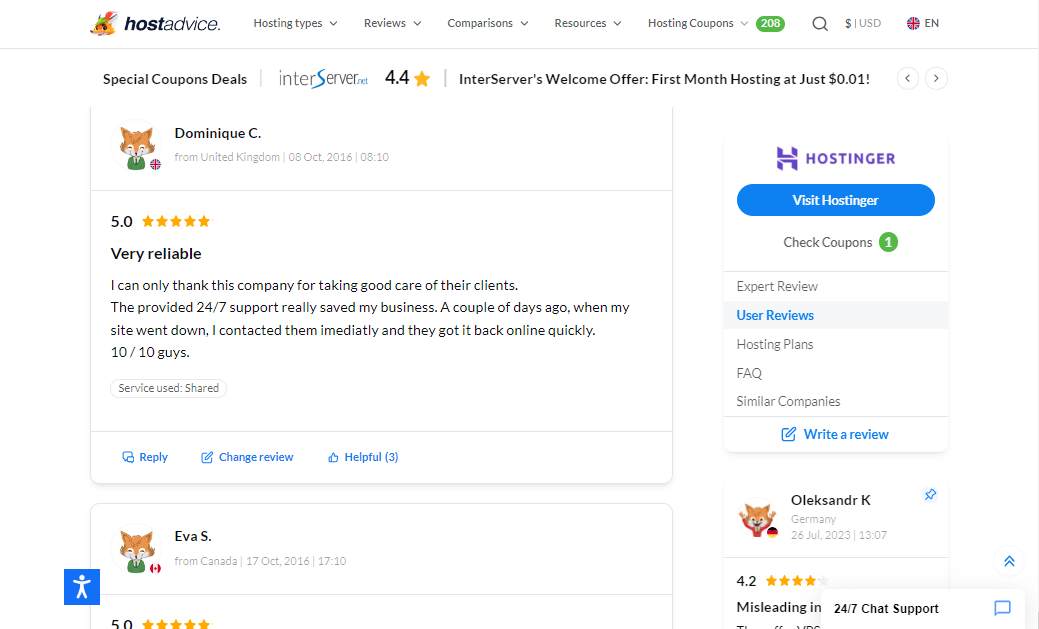
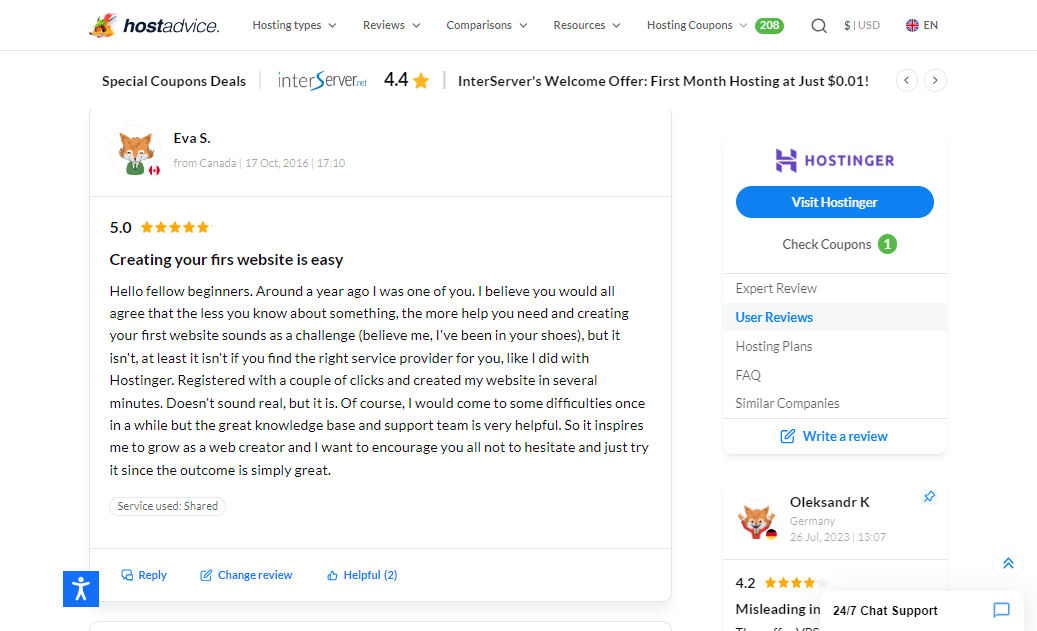
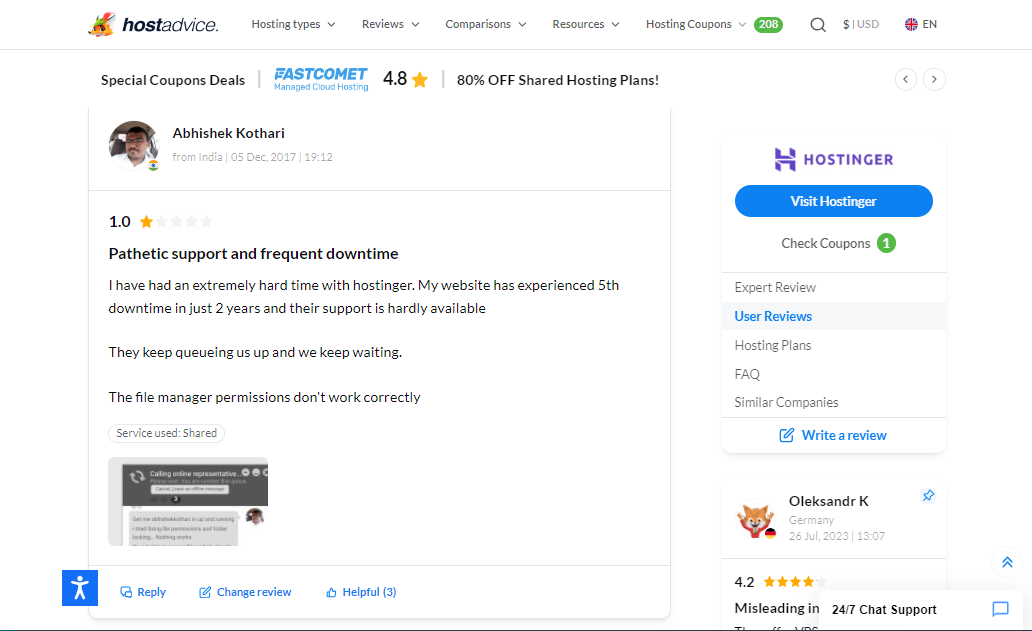
Here are some Hostinger user reviews from HostAdvice readers.
How to Contact Hostinger
Choose the channel that matches your situation.
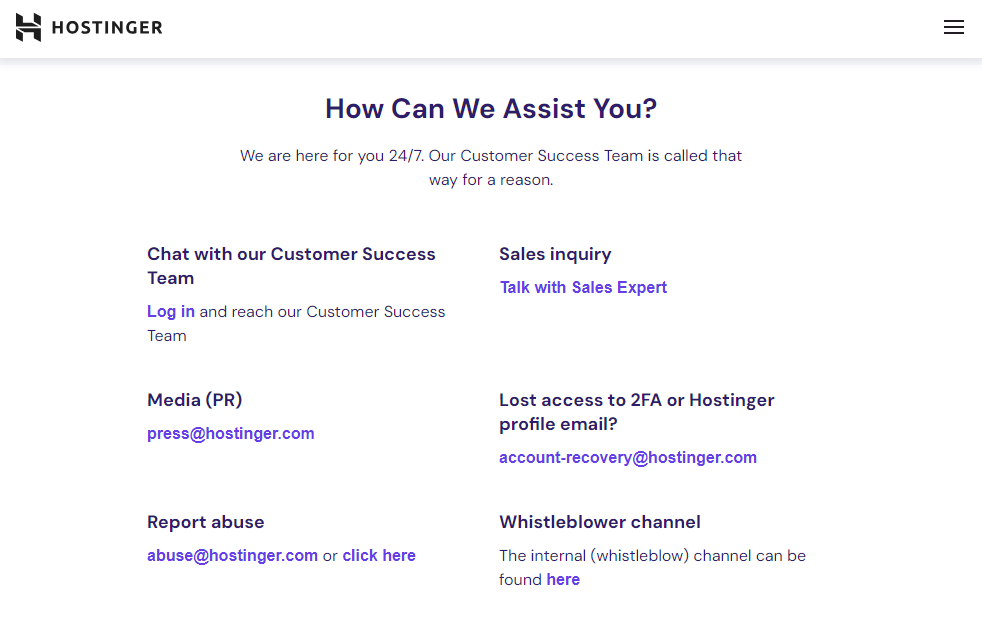
Hostinger support runs through live chat for logged-in customers and through email when you cannot access your account.
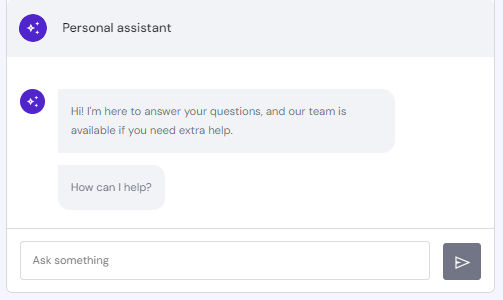
Hostinger Live Chat
Once you create an account, follow these steps to access Hostinger’s 24/7 live chat support:
- Visit Hostinger’s website.
- Click on the log in button at the top right corner of the page.
- Enter your log in details, then click on the log in button.
- From the dashboard, click on the “Help” option from the menu bar.
- Scroll to the bottom of the page to locate the “Chat Now” option and click on it.
- In the chat pop-up, type in your issue/query and hit the enter button.
Email Support
Hostinger also offers different email support channels for different purposes.
Here are all of the important email addresses:
- abuse@hostinger.com – To report abusive activity
- account-recovery@hostinger.com – To retrieve lost account
- sales@hostinger.com – To get more information on Hostinger products

Tutorials & Knowledge Base
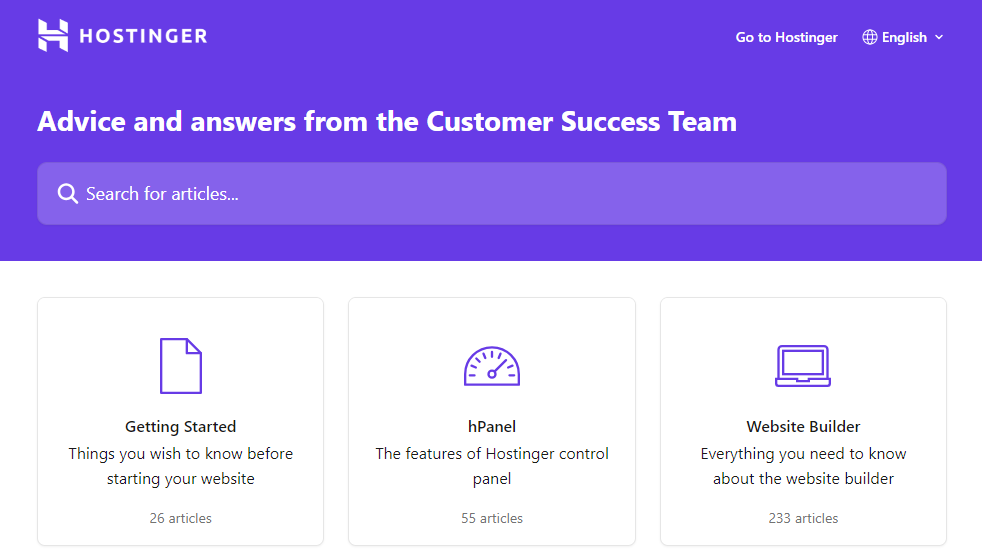
If you want quick answers, the Knowledge Base and Tutorials can save you time.
You can search for your exact issue, then follow the steps that match your product and setup.
Here is a step-by-step guide for accessing the knowledge base and other resources:
- Go to the Hostinger website and scroll down to locate the footer links.
- Click “Contact Us” under the “COMPANY” category.
- On the Contact Us page, scroll down to locate and click on the Knowledgebase, Tutorials, Blog, or Hostinger Academy button.
- Browse the topics or use the search bar to find a resource that provides information for your issue or query.

Hostinger Customer Support via Live Chat
Live chat works best when you already have an active account. You can explain the problem in a few messages and get real-time troubleshooting.
If you cannot sign in, switch to email.

Hostinger Customer Support via Email
Email support can solve the same types of issues as chat, and it makes it easy to attach screenshots. The main difference is the Hostinger support response time.
Live chat often replies faster, while email replies can take longer depending on your request.
Hostinger Customer Support via Tutorials & Knowledge Base
The articles stay organised by category, which helps you find answers quickly.
The search bar also helps when you want a specific fix.
If you prefer video walkthroughs, Hostinger Academy covers many common setup tasks.
More about Hostinger
Hostinger runs a global web hosting and domain business with customers in many countries.
You can register a domain and host your site under one account.
You can choose shared hosting, VPS, and a website builder, depending on what you plan to run.
VPS plans suit projects that need more control and resources, while shared hosting works well for smaller sites.
Hostinger does not offer dedicated servers, so you may need a different provider for that.
Related Recommendations
HostAdvice uses user reviews to compare hosting alternatives, which can help you judge support quality before you choose a plan.
| | |
Support rating based on HostAdvice users: | Support rating based on HostAdvice users: | Support rating based on HostAdvice users: |

