


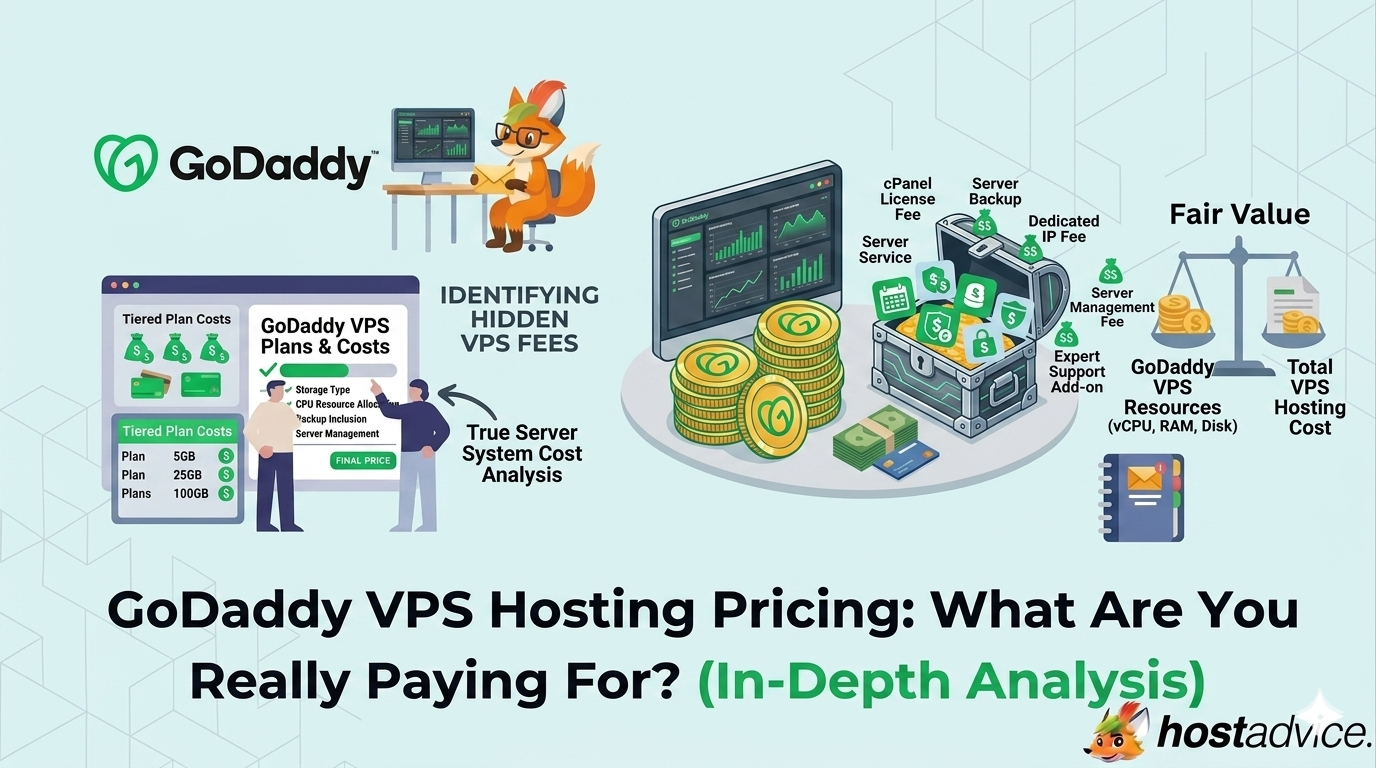
When you look at VPS hosting, pricing often feels straightforward. A monthly fee, some CPU and RAM numbers, and a promise of better performance than shared hosting.
That’s exactly how GoDaddy presents its VPS hosting.
But just like email hosting, the number you see upfront is only part of the story. What matters more is how resources scale, what’s included, what’s missing, and how pricing changes depending on your usage and billing term.
VPS hosting sits in a very different category compared to shared hosting or email. You’re not just paying for space. You’re paying for control, isolation, and performance headroom.
So the real question is not whether GoDaddy VPS is cheap or expensive. It’s whether the pricing structure matches how you actually plan to use a server.

Key Takeaways
- GoDaddy VPS hosting pricing starts at $8.99/month on a 3-year term, with higher costs on shorter billing cycles.
- Pricing scales based on CPU, RAM, and storage, not feature unlocks.
- The 2 vCPU / 4 GB RAM plan ($17.99/month) is the most balanced option for most users.
- All plans include NVMe storage, global data centers, and snapshot backups.
- You can choose between Linux and Windows environments, with Windows typically increasing cost.
- Add-ons like control panels, backups, and extra IPs can increase the real monthly price.
Understanding the GoDaddy VPS Hosting Landscape
Why GoDaddy Takes a Different Approach
Most VPS providers compete on raw specs. More CPU, more RAM, lower price.
GoDaddy takes a slightly different angle.
Instead of focusing purely on specs, it positions VPS hosting as a controlled upgrade path from shared hosting. The experience is designed to feel familiar, especially if you’re already using GoDaddy products.
That means:
- Easier onboarding
- Optional managed features
- A more guided environment compared to developer-first VPS providers
This changes how pricing works. You’re not just paying for infrastructure. You’re also paying for simplicity and integration.
The Evolution of GoDaddy VPS Pricing
GoDaddy’s VPS pricing has shifted toward predictable scaling rather than complex tiers.
Instead of dozens of plans, the structure is clean:
- Entry-level → Basic workloads
- Mid-tier → Real-world usage
- Higher tiers → Performance and scaling
The biggest change is how pricing is presented.
The lowest price is tied to long-term billing (3 years), which makes the entry point look very affordable. But monthly billing is significantly higher.
This creates a simple trade-off:
- Lower cost → Long commitment
- Higher flexibility → Higher monthly price
What This Means for Your Decision
GoDaddy VPS is designed for users who want:
- More control than shared hosting
- Predictable scaling
- A familiar ecosystem
But it’s not built for:
- Maximum performance per dollar
- Fully unmanaged, developer-heavy environments
So your decision depends on what you value more:
- Convenience and ease → GoDaddy works well
- Raw performance and flexibility → Other providers may be stronger
Before making your final decision, it’s worth reading our detailed GoDaddy VPS hosting review.
Breakdown of GoDaddy VPS Hosting Plans
GoDaddy keeps its VPS lineup clean with four core plans. The difference between them is not features. It’s how much workload you can handle reliably.
You can also use GoDaddy coupons at checkout to reduce costs, especially on long-term plans.

1. 1 vCPU / 2 GB RAM: Entry-Level VPS
Starting Price: $8.99/month (3-year term)
This is the lowest entry point into GoDaddy VPS hosting.
What you get:
- 1 vCPU core
- 2 GB RAM
- 40 GB NVMe storage
- Snapshot backups
- Linux environment
- Optional control panels
Where it works best:
This plan is suitable for testing environments, small websites, and low-traffic projects. It gives you isolated resources without a high cost.
Limitations:
The biggest limitation is performance. With only 2 GB RAM, you’ll hit limits quickly if traffic or application complexity increases.
2. 2 vCPU / 4 GB RAM: Recommended Plan
Starting Price: $17.99/month (3-year term)
This is the plan GoDaddy highlights as “recommended,” and it’s easy to see why.
What you get:
- 2 vCPU cores
- 4 GB RAM
- 100 GB NVMe storage
- Snapshot backups
- Linux or Windows support
- Additional IPs available
Where it works best:
This is the most practical option for most users. It can handle:
- Multiple websites
- Small business applications
- Moderate traffic
Why this plan stands out:
The jump from 2 GB to 4 GB RAM is significant. It gives you enough headroom to run real workloads without constant performance issues.
3. 4 vCPU / 8 GB RAM: Growing Workloads
Starting Price: $34.99/month (3-year term)
This is where VPS hosting starts to feel like usable infrastructure, not just an upgrade.
What you get:
- 4 vCPU cores
- 8 GB RAM
- 200 GB NVMe storage
- Snapshot backups
- Linux or Windows support
This plan is ideal for:
- Growing businesses
- Ecommerce stores
- Applications with consistent traffic
The biggest improvement here is stability. With more RAM and CPU, performance becomes more predictable under load.
4. 4 vCPU / 16 GB RAM: High-Performance Tier
Starting Price: $44.99/month (3-year term)
This is the highest plan in the standard lineup.
What you get:
- 4 vCPU cores
- 16 GB RAM
- 200 GB NVMe storage
- Snapshot backups
- Linux or Windows support
This plan is designed for:
- High-traffic websites
- Resource-heavy applications
- Agencies managing multiple projects
The main upgrade here is memory. 16 GB RAM allows you to run databases, caching systems, and multiple services without bottlenecks.
Quick Insight: How These Plans Actually Scale
The upgrade path is straightforward:
- Entry plan → Basic usage
- Mid-tier → Practical workloads
- Higher tiers → Stability and performance
You are not upgrading for features.
You are upgrading for:
- More memory
- More processing power
- Better performance under load
GoDaddy VPS Hosting Plan Comparison Matrix
| Feature | 1 vCPU / 2 GB | 2 vCPU / 4 GB | 4 vCPU / 8 GB | 4 vCPU / 16 GB |
|---|---|---|---|---|
| Starting Price | $8.99/mo | $17.99/mo | $34.99/mo | $44.99/mo |
| CPU | 1 core | 2 cores | 4 cores | 4 cores |
| RAM | 2 GB | 4 GB | 8 GB | 16 GB |
| Storage | 40 GB NVMe | 100 GB NVMe | 200 GB NVMe | 200 GB NVMe |
| OS Support | Linux | Linux / Windows | Linux / Windows | Linux / Windows |
| Backups | Snapshots | Snapshots | Snapshots | Snapshots |
| Best For | Testing | Small businesses | Growing apps | High workloads |
Key Features That Actually Influence GoDaddy VPS Pricing
Resource Allocation: CPU, RAM, and Storage
At its core, GoDaddy VPS pricing is driven by resource allocation. Unlike shared hosting, where features are bundled, VPS plans scale almost entirely based on how much computing power you get.
As you move up the pricing tiers:
- CPU increases: More vCPU cores allow your server to handle more simultaneous processes and requests.
- RAM scales significantly: This is often the biggest performance driver, especially for databases and caching.
- Storage expands: Higher tiers provide more NVMe storage, improving both capacity and data access speed.
This progression is not just about bigger numbers. It directly impacts what you can realistically run on your server. Lower-tier plans are suitable for small websites or testing environments, while higher tiers support applications, ecommerce stores, and multi-site setups without performance bottlenecks.
In simple terms, you are paying for performance headroom, not additional features.
Managed vs. Self-Managed Environment
One of the less obvious pricing factors is how much of the server you manage yourself.
GoDaddy VPS sits somewhere between fully unmanaged and fully managed hosting. Depending on your setup, you may handle everything yourself or rely on some level of guided management.
This creates a trade-off:
- Managed environment: Reduces technical effort, simplifies setup, and saves time.
- Self-managed setup: Offers more flexibility and control, but requires technical knowledge.
While this may not always show up as a direct line item in pricing, it affects the overall value. A more managed experience can reduce the need for external tools or technical support, while a self-managed setup may require additional time or expertise.
You are essentially choosing between convenience and control, and that choice influences how “expensive” the VPS actually feels over time.
Operating System Flexibility
GoDaddy VPS allows you to choose between Linux and Windows environments, and this decision has a direct impact on cost.
- Linux: Typically included at no extra cost and suitable for most web hosting use cases.
- Windows: Requires a paid license, increasing your monthly price.
The difference is not just financial. It also affects how you manage your server and what applications you can run.
For most users, Linux is the default choice due to its flexibility and lower cost. Windows becomes relevant when you need specific Microsoft-based applications or a familiar interface.
However, it’s important to factor this into your budget early, as a Windows license can noticeably increase your total VPS cost.
Control Panels and Add-Ons
Another key pricing factor is what’s not included by default.
GoDaddy VPS provides the core infrastructure, but many usability features come as add-ons. These may include:
- Control panels: cPanel or Plesk for easier server management.
- Additional IP addresses: Useful for hosting multiple projects or specific configurations.
- Backup upgrades: More robust backup solutions beyond basic snapshots.
Individually, these may seem like small additions. But together, they can significantly increase your monthly cost.
This is where VPS pricing often becomes misleading. The base plan looks affordable, but the real working environment you need may cost more once these tools are added.
Hidden Costs and Pricing Reality
Billing Cycles and Discounts
The headline pricing for GoDaddy VPS is based on long-term commitments, typically a 3-year plan.
This creates a lower entry price, but it does not reflect the full picture.
- Monthly billing: Highest cost, maximum flexibility.
- Annual billing: Moderate pricing.
- Multi-year billing: Lowest advertised price.
While this structure is common across hosting providers, it’s easy to underestimate the real cost if you only focus on the discounted rate.
The key is to evaluate the total cost over your intended usage period, not just the monthly number shown on the pricing page.
Add-Ons and Upgrades
Beyond the base plan, several additional costs can influence your total VPS expense.
Common upgrades include:
- Control panels for easier management
- Advanced backup solutions
- Windows operating system licenses
- Additional storage or IP addresses
These are not always required, but for many real-world use cases, they become necessary.
This means a plan that starts at a low monthly price can quickly scale into a higher overall cost depending on how you configure it.
Performance Expectations
GoDaddy VPS is not positioned as a high-performance, developer-first platform.
Instead, it focuses on usability, stability, and integration within its ecosystem.
This has an important implication.
You are paying for:
- A smoother onboarding experience
- Easier management compared to raw VPS providers
- Integration with other GoDaddy services
You are not necessarily paying for:
- Maximum performance per dollar
- Highly optimized, developer-level infrastructure
For many users, this trade-off is acceptable. For others, especially those running performance-critical applications, it may feel limiting.
Key Insight: What You’re Actually Paying For
GoDaddy VPS pricing is not just about server resources. It reflects a broader value proposition.
You are paying for:
- Simplicity: Easier setup and management compared to complex VPS environments.
- Ecosystem integration: Seamless connection with domains, hosting, and other GoDaddy services.
- Scalable structure: Clear upgrade path as your needs grow.
At the same time, you are not paying for:
- The lowest possible cost per resource
- Full developer-level customization and control
- Maximum performance optimization
This creates a clear positioning.
GoDaddy VPS is built for users who want structured, predictable hosting without deep technical complexity, rather than those seeking the most powerful infrastructure at the lowest price.
GoDaddy VPS vs. Competitors: Comparison Matrix
| Feature | GoDaddy VPS | DigitalOcean | Vultr | Contabo |
|---|---|---|---|---|
| Starting Price | Low, discounted | Moderate | Moderate | Very low |
| Ease of Use | Very beginner-friendly | Developer-focused | Developer-focused | Moderate |
| Managed Options | Available | Limited | Limited | No |
| Performance Consistency | Moderate | High | High | Variable |
| Resource Value | Moderate | Moderate | Moderate | Very high |
| Best For | Ease + ecosystem | Developers | Developers | Budget users |
This highlights that each provider prioritizes something different.
GoDaddy focuses on ease of use and integration, making it ideal for beginners or users already in its ecosystem. DigitalOcean and Vultr are built for developers, offering better performance consistency but requiring more technical control. Contabo stands out for maximum resources at the lowest price, with trade-offs in stability.
The key takeaway is simple: you’re choosing between ease, performance, or cost efficiency, not just a VPS provider.
Final Verdict: Which GoDaddy VPS Plan Should You Choose?
If you’re just getting started or testing ideas, the 1 vCPU / 2 GB plan gives you a low-cost entry point without overcommitting.
For most users, the 2 vCPU / 4 GB plan is the most practical choice. It offers enough performance to handle real workloads like multiple websites or small business applications without immediate upgrades.
If your project is growing or handling consistent traffic, the 4 vCPU / 8 GB plan provides the stability and headroom needed to avoid performance issues under load.
For resource-heavy applications or high-traffic environments, the 4 vCPU / 16 GB plan delivers the memory capacity required for smoother, more consistent performance.
The key decision is not the lowest price, but how much performance margin you need. Choosing slightly more capacity upfront often saves you from early limitations and frequent upgrades.
Conclusion
GoDaddy VPS hosting pricing is built around simplicity and predictable scaling.
It does not aim to offer the highest specs for the lowest price. Instead, it focuses on making VPS hosting accessible, structured, and easy to adopt.
For beginners and small businesses, this approach works well. You get a controlled environment with enough flexibility to grow.
For advanced users or performance-focused workloads, the trade-offs become clearer. You may pay more for convenience while getting less raw power compared to developer-first providers.
The key is alignment. If you value ease of use and integration, GoDaddy VPS pricing makes sense. If you prioritize performance per dollar, other providers may be a better fit.
Next Steps: What Now?
- Start with the 2 vCPU / 4 GB plan if you’re unsure.
- Choose longer billing cycles for lower monthly pricing.
- Factor in add-ons like control panels and backups.
- Decide between Linux and Windows early.
- Look for available coupons or promotions before checkout.
